New WhatsApp Image Scam: How Hackers Steal Data Through Photos
Discover how cybercriminals are using malware-embedded WhatsApp images to hack devices and steal sensitive data. Learn four essential protection measures today.
By Vadim Kouznetsov, published

Key Takeaway
Dangerous WhatsApp scams are targeting users through malware-embedded images. Protect yourself by disabling auto-downloads, avoiding unknown contacts, keeping your device updated, and installing reliable security software.
In a concerning development across global digital platforms, cybercriminals have launched a sophisticated new WhatsApp scam involving malware-embedded images that can compromise your device and personal information.
The Hidden Danger in Your Messages
This latest fraud scheme operates differently from previous WhatsApp scams. Rather than offering suspicious job opportunities or requesting bank details directly, scammers now send seemingly innocent images containing hidden malicious code.
Recently, a victim in India reported losing ₹200,000 (approximately AED 8,800) after simply downloading an image sent from an unknown number. The sophisticated malware embedded within the image granted hackers complete access to the victim’s device.
Once installed, this malware creates a backdoor allowing cybercriminals to:
- Remotely control your device
- Access personal information and credentials
- Intercept one-time passwords (OTPs)
- Perform unauthorised financial transactions
Essential Protection Strategies
To safeguard yourself against this growing threat, security experts recommend implementing these critical measures:
1. Disable Automatic Photo Downloads
Many WhatsApp users have automatic download settings enabled by default, creating substantial risk. To adjust this setting:
- Open WhatsApp
- Go to Settings
- Select Storage and Data
- Turn off auto-download options for media
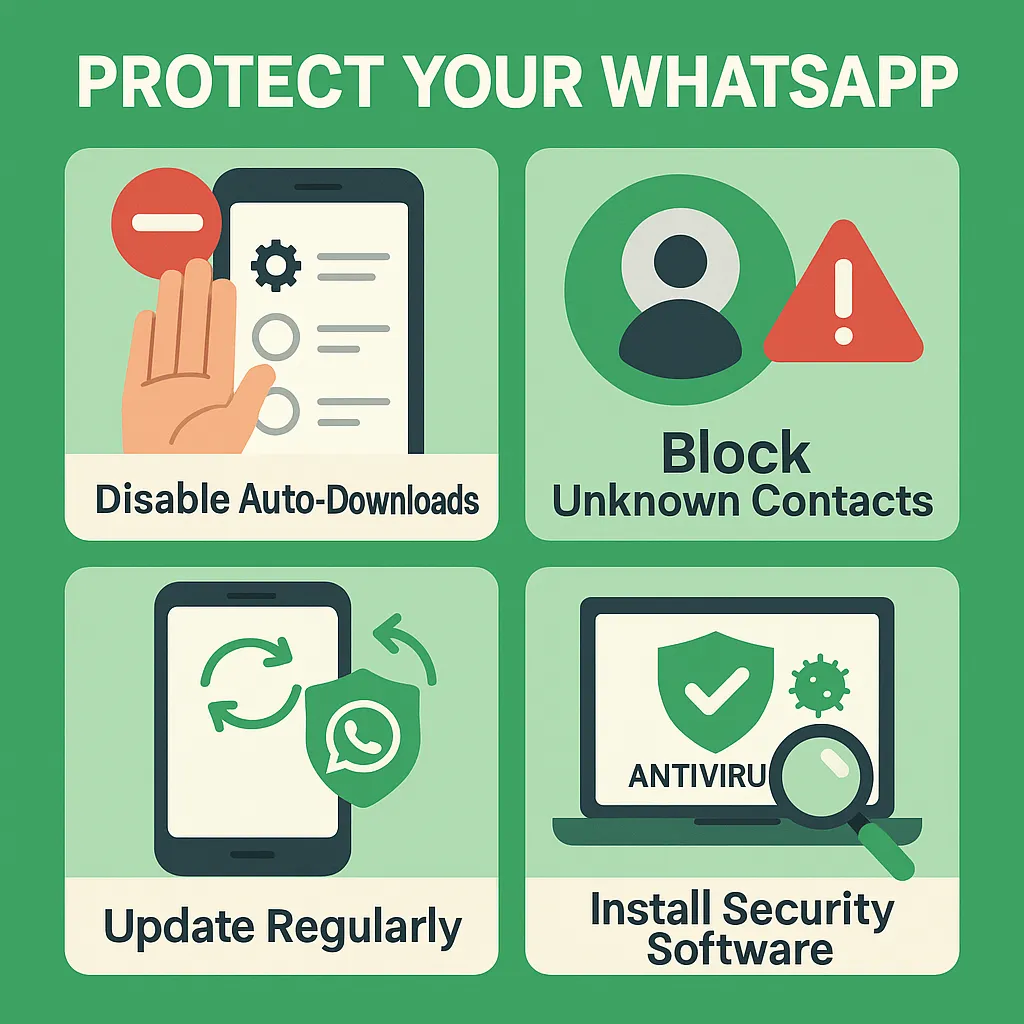
2. Exercise Caution with Unknown Contacts
When receiving messages from unfamiliar numbers:
- Avoid responding to or engaging with these contacts
- Never download images or files from unknown sources
- Block and report suspicious accounts immediately
3. Maintain Regular Device Updates
Keep your smartphone protected by:
- Installing all operating system updates promptly
- Updating WhatsApp to the latest version
- Enabling automatic security updates
4. Deploy Reliable Security Software
A high-quality security application provides an additional defence layer:
- Install reputable anti-virus/anti-malware software
- Schedule regular system scans
- Enable real-time protection features
Rising Pattern of WhatsApp Fraud
This image-based attack represents the latest evolution in WhatsApp scams. Previously, fraudsters primarily focused on fake job opportunities and investment schemes targeting unsuspecting users.
The shift towards more technical exploits like malware-embedded media indicates cybercriminals are developing increasingly advanced methods to bypass standard security awareness.
What Makes This Scam Particularly Dangerous
The effectiveness of this scam stems from its subtlety. Unlike obvious phishing attempts with grammatical errors or unrealistic offers, receiving an image appears harmless to most users.
Furthermore, once the malware gains access, hackers can operate silently in the background, gathering information over time before executing financial fraud or identity theft.
For the latest security updates and digital safety information, follow JobXDubai on Telegram Channels and our website.
Last updated: 29 April, 2025
Additional Reading Material
The UAE week, every Monday
The week's stories on jobs, visas, money and daily life in one short email. Unsubscribe in one click.