Go Digital: Store Your Dubai Driving Licence and Car Registration on Your Phone
Ditch the plastic cards! Learn how to securely store your Dubai driving licence and car registration on your Samsung phone with RTA’s new partnership.
By Vadim Kouznetsov, published
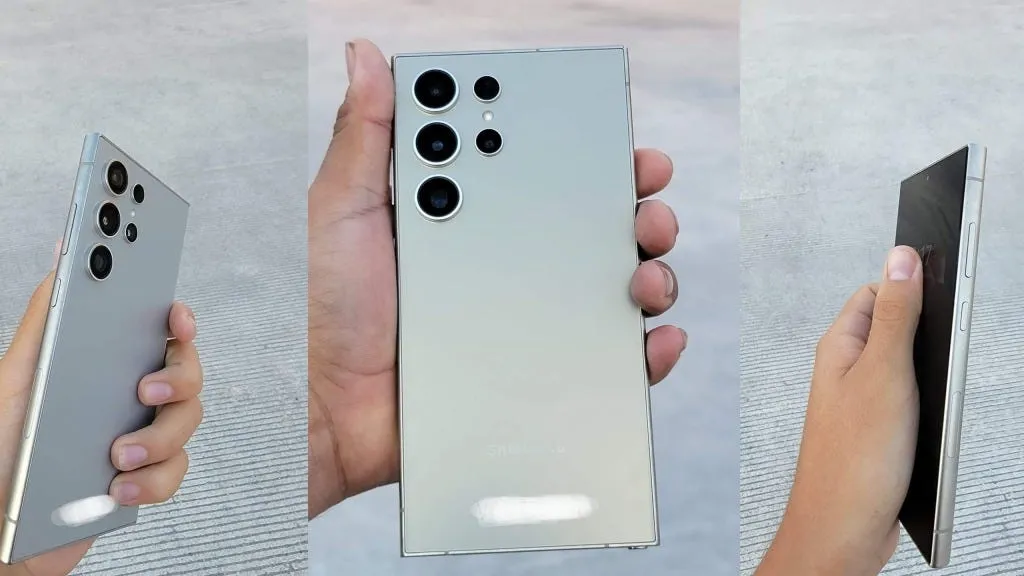
Are you tired of carrying your driving licence and car registration cards in your wallet? Thanks to the partnership between Dubai’s Roads and Transport Authority (RTA) and Samsung Gulf Electronics, you can now store them securely on your Samsung phone!
Here’s how to do it:
Step 1: Update Your RTA Dubai App
Visit the Playstore and update your RTA Dubai app to the latest version, which allows you to access this feature. If you don’t have the app, download it now!
Step 2: Log in to Your RTA Account
Open your RTA Dubai app and log in using your UAE Pass account or RTA account.
Step 3: Add Your Licence and Registration to Samsung Wallet
Tap on the ‘My docs’ section, which will show you your driving licence and car registration cards under your traffic file. Select the option to ‘Add to Samsung Wallet’ and confirm that you want to add the document to your Samsung wallet.
Access Your IDs on Your Phone
Now, you can access your driving licence and car registration on your Samsung phone, along with other cards you may have added, like your credit and debit cards.
Good News for Apple Users Too!
This service is also available for Apple users, who can add these digital IDs to their Apple wallet.
Bonus: Samsung users can also add their nol card to their wallet, making it convenient to use public transport in Dubai.
By following these simple steps, you can ditch the physical cards and enjoy the convenience of having your digital IDs on your phone!
The UAE week, every Monday
The week's stories on jobs, visas, money and daily life in one short email. Unsubscribe in one click.